Skip to content

Best Motorized Standing Desk Picks for Home Offices

Michael Chen Michael Chen 7 min read

Choosing a Standing Desk Based on Specs

Picking the best motorized standing desk for a home office depends on matching published specifications to your actual constraints: your height range, monitor load, tolerance for wobble, and how much setup effort you're willing to handle. The rankings below compare manufacturer specifications, product documentation, published pricing, and consistent customer feedback patterns—not in-house testing or long-term trial use.

As of September 2026, the market has largely converged on similar core promises: memory presets, collision detection, and cable management. What differentiates products now are structural fundamentals—the frame's capacity and stability design, the height range, the control system quality, and the warranty terms that signal manufacturer confidence.

Remember the desk is only half the workstation system. Chair fit, monitor height, and lighting typically determine whether your body benefits or suffers. If you're solving comfort issues, all those elements need to work together—no single component fixes everything on its own.

The five standing desks (and one frame-first option) ranked here stand out on paper for home offices, based on comparing published specs and documentation against editorial criteria. Each entry reflects what manufacturers state about capacity, travel speed, height range, noise levels, and warranty coverage.

Reviewed by Michael Chen Updated How we rate

Best Motorized Standing Desks Ranked

These six options represent the strongest on-paper profiles for home offices, ranked by how well published specs align with typical mixed-use setups.

UPLIFT V2

UPLIFT V2

Best Overall

Cleanest do-it-all profile with high capacity, fast travel, and long warranty coverage. Published specs include 355 lbs lifting capacity, 2 inches per second travel speed, below 48 dB noise, 15-year warranty, and BIFMA X5.5-2021 compliance claim.

4.5/5
Editorial score
  • High stated capacity for dual monitors and heavy accessories
  • fast 2 in/sec travel
  • 15-year warranty
  • quiet operation below 48 dB
  • meets published durability standard
  • Extensive configurability can push past initial budget
  • overwhelming choices for first-time buyers
FlexiSpot E7 Pro

FlexiSpot E7 Pro

Best Value

Premium frame specs without boutique pricing. FlexiSpot lists 440 lbs max static load, 25.0–50.6 inch height range, 15-year warranty, and included cable management on common configurations.

4.3/5
Editorial score
  • Marketing copy includes endurance-style claims that should be treated as brand statements
  • prioritize concrete specs and warranty language
DeskHaus Apex Pro

DeskHaus Apex Pro

Best Heavy-Duty

Outlier for stability-first buyers: four motors, 600 lbs lifting capacity, 22.5–48.5 inch height range (including 1-inch work surface), 1.5 in/sec travel, below 50 dB noise, 20-year warranty on frames.

4.4/5
Editorial score
  • Frame-first solution expects you to source a top
  • more complexity and weight means involved assembly
  • bigger penalty in cramped workspaces
Vari Electric Standing Desk

Vari Electric Standing Desk

Best Quick Assembly

Frictionless ownership with simple configurations and clean industrial design.

4.2/5
Editorial score
  • Lifetime warranty
  • simple configuration process
  • clean industrial design
  • capacity claims broken out by size
  • compliance claim for BIFMA X5.5-2021
  • Not the choice for heavy studio rigs
  • lower weight capacity compared to premium frames
Branch Duo Standing Desk

Branch Duo Standing Desk

Best Compact

Tidy compact footprint for small rooms.

4.0/5
Editorial score
  • Compact 36×24 and 48×24 sizes fit small spaces
  • 275 lbs capacity sufficient for typical laptop-and-monitor setups
  • 10-year warranty
  • quiet operation
  • Only two memory presets limits multi-height workflows
  • may feel constraining if you want multiple programmed positions
Standing desk specifications comparison chart showing capacity and height ranges
Comparing published specs across multiple standing desk frames

Standing Desk Decision Framework

Key Advantages

  • High capacity frames support dual monitors, heavy arms, and desktop PCs safely
  • Wide height ranges accommodate seated ergonomics and tall standing users
  • Long warranty terms signal manufacturer confidence in structural durability
  • Fast travel speed and quiet operation improve daily usability

Important Trade-offs

  • More stable and capable frames typically cost more and require larger workspaces
  • Extensive customization options can push total cost beyond initial budget
  • A standing desk alone won't fix discomfort if chair, monitor height, or lighting are wrong

What Differentiates Standing Desk Specs

Stability and load rating determine whether you can safely use heavy gear without pushing published limits

Understanding Published Specifications

Across these picks, stability and load rating are where comparing published specs matters most. The difference between 180–200 lbs and 355–600 lbs is not abstract: it determines whether you can safely use heavy monitor arms, stacked displays, desktop PCs, or large audio gear without living on the edge of the product's published limits.

Height range is the other silent dealbreaker. If a desk can't go low enough for proper seated ergonomics—or high enough for a tall user—it forces bad posture even if the frame is otherwise excellent. Match the published height range to your seated and standing needs before considering other features.

For standards, don't get distracted by badge-chasing. BIFMA's announcement about the ANSI/BIFMA X5.5-2021 revision describes the standard as providing a common basis for evaluating the safety, durability, and structural performance of desk and table products—exactly the category where manufacturers should take compliance seriously.

Travel speed affects how quickly the desk transitions between heights. Faster motors (1.5–2 inches per second) make frequent position changes more practical. Noise levels below 50 decibels keep the desk quiet enough for video calls and focused work. Anti-collision behavior, when described in documentation, prevents damage if the desk encounters an obstacle during travel.

Warranty length and what it covers function as a primary spec. A 10-year warranty signals different confidence than a 20-year warranty, and lifetime coverage on some components tells you which parts the manufacturer expects to outlast others. Read what the warranty actually covers—frame, motors, electronics—and what conditions void it.

Cable management affects daily usability more than most buyers expect. Budget for accessories like cable trays or grommets if they're not included. Good cable management prevents snagging during height changes and keeps the workspace tidy. A USB-C docking station can centralize connections and reduce the number of cables that need to move with the desk.


Complete Workstation Setup

Why the Desk Is Only Half the System

Beyond the Desk

Why the Desk Is Only Half the System

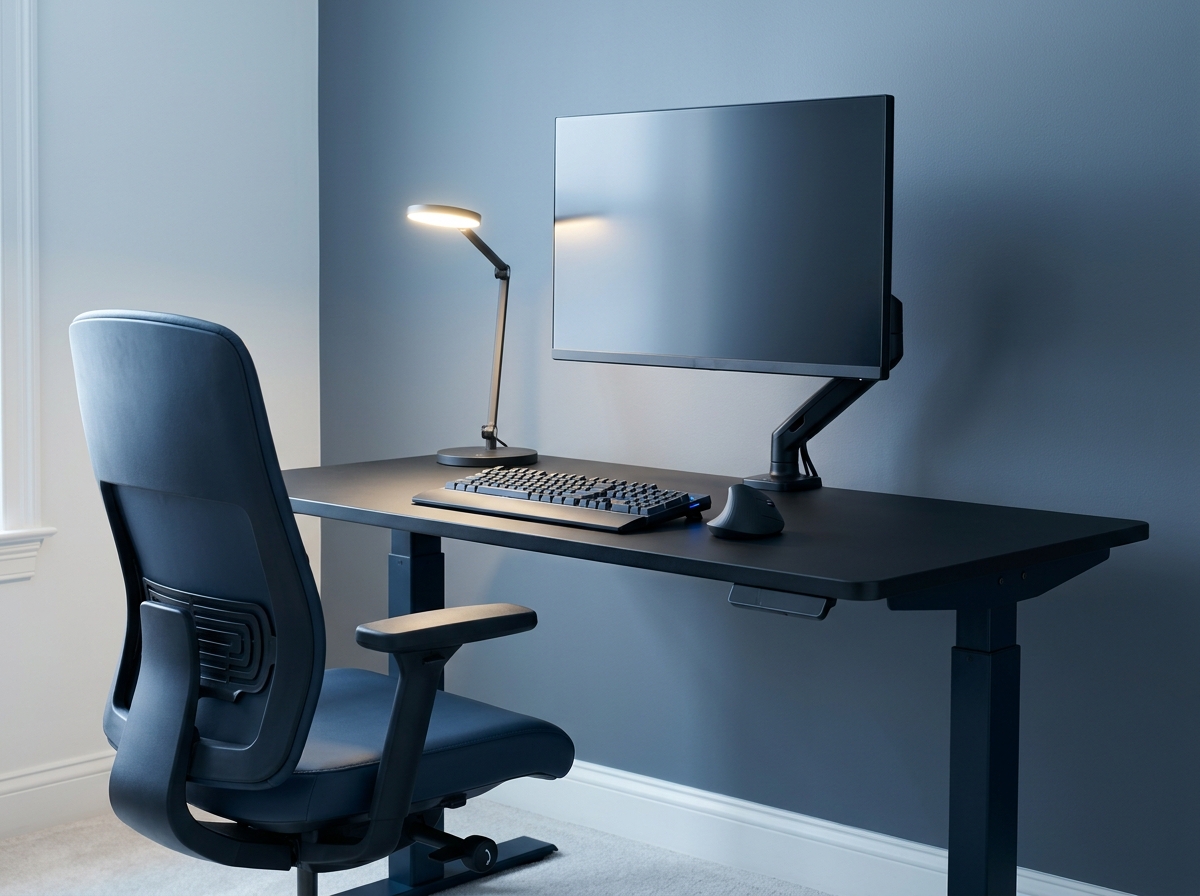
A standing desk won't fix discomfort if the rest of the workstation is wrong. If your monitor is too low, your keyboard forces wrist extension, or your chair pushes your pelvis into a slump, you'll just alternate between sitting pain and standing pain. All those elements need to work together. An ergonomic keyboard can reduce strain when you're typing more while standing. Computer desk lamps reduce glare when you change posture. Confirm your monitor can sit at eye level—often easier with a monitor arm. The chair matters as much as the desk: an ergo chairs review and ergo office chairs reviews are worth reading if you're chasing the best chair for lumbar pain.

Pre-Purchase Checks

  • Match the published height range to your seated and standing needs
  • Keep your planned monitor and PC load well below the stated capacity
  • Prefer frames with anti-collision behavior described in documentation
  • Treat warranty length and what it covers as a primary spec
  • Budget for cable management accessories—they affect daily usability
  • Plan lighting early to reduce glare when you change posture
  • Don't skip the chair—read ergo chairs reviews if chasing lumbar support

Verdict

For most home offices in 2026, UPLIFT Desk's UPLIFT V2 is the most balanced recommendation on published specs—high capacity, fast travel, and long warranty coverage—while the FlexiSpot E7 Pro is the value play if you want big-frame numbers without a boutique build path. If you prioritize maximum capacity and long warranty terms and you're comfortable choosing a top separately, DeskHaus's Apex Pro is the heavy-duty answer. Vari is the clean, low-fuss option for typical loads, and Branch Duo is the compact pick for small rooms.

Understanding Frame Capacity and Stability

Stability and load rating are where the specs-compared approach matters most. According to BIFMA, the ANSI/BIFMA X5.5-2021 revision provides a common basis for evaluating the safety, durability, and structural performance of desk and table products—exactly the category you want a manufacturer to take seriously. A few fast checks before you commit: match the published height range to your seated and standing needs; keep your planned monitor and PC load well below the stated capacity; prefer frames with anti-collision behavior described in documentation; treat warranty length and what it covers as a primary spec; budget for cable management, as it affects daily usability.

Final Considerations Before Buying

  • Plan lighting early—good computer desk lamps reduce glare when you change posture
  • Don't skip the chair: an ergo chairs review and ergo office chairs reviews are worth reading
  • A USB-C docking station helps keep cables from snagging during height changes
  • An ergonomic keyboard can reduce strain when typing more while standing
  • Budget for cable management accessories if not included with the desk
  • Remember the desk is only half the workstation—all elements must work together
  • The main trade-off is simple: more stable frames cost more and need more space

More Reviews

Explore Our Standing Desk Coverage

Read additional guides on monitors, keyboards, USB-C docks, ergonomic chairs, task lighting, and webcams to complete your home office setup.

Michael Chen

Michael Chen

Editor

Michael reviews monitors, keyboards, and desktop accessories by analyzing published specs, documentation, and customer ratings to help readers choose equipment that fits their workflow.

Sources

  1. UPLIFT Desk — UPLIFT V2 Standing Desk — F500 (T-Frame) Specs (PDF)
  2. FlexiSpot — Premium Standing Desk (E7 Pro) | Height Adjustable Ergonomic Desk
  3. DeskHaus — Apex Pro
  4. Vari — Vari® Electric Standing Desks Spec Sheet (May 2025) (PDF)
  5. The Container Store — Duo Standing Desk spec sheet (PDF)
  6. BIFMA — BIFMA Revises Desk and Table Products Standard