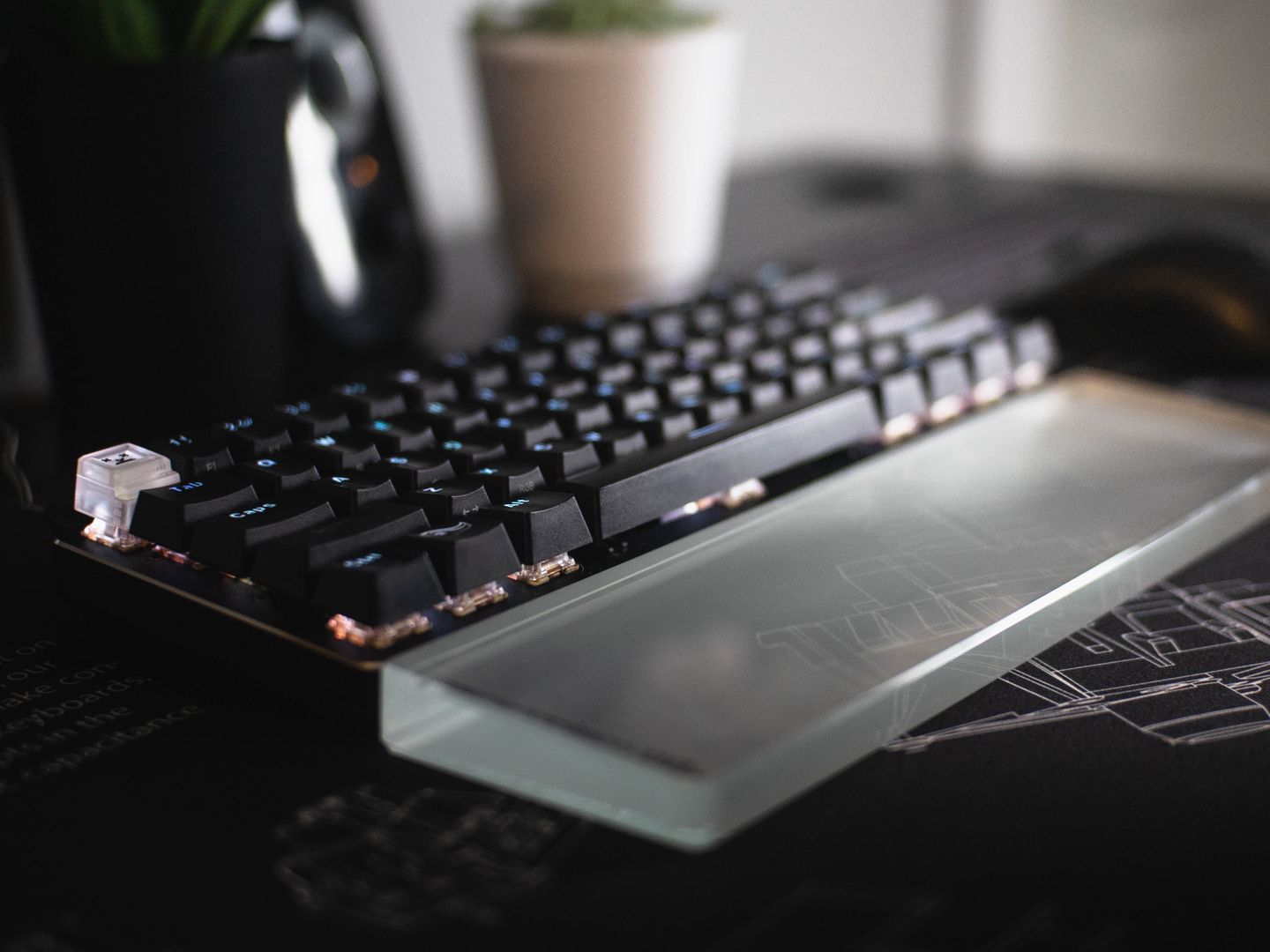
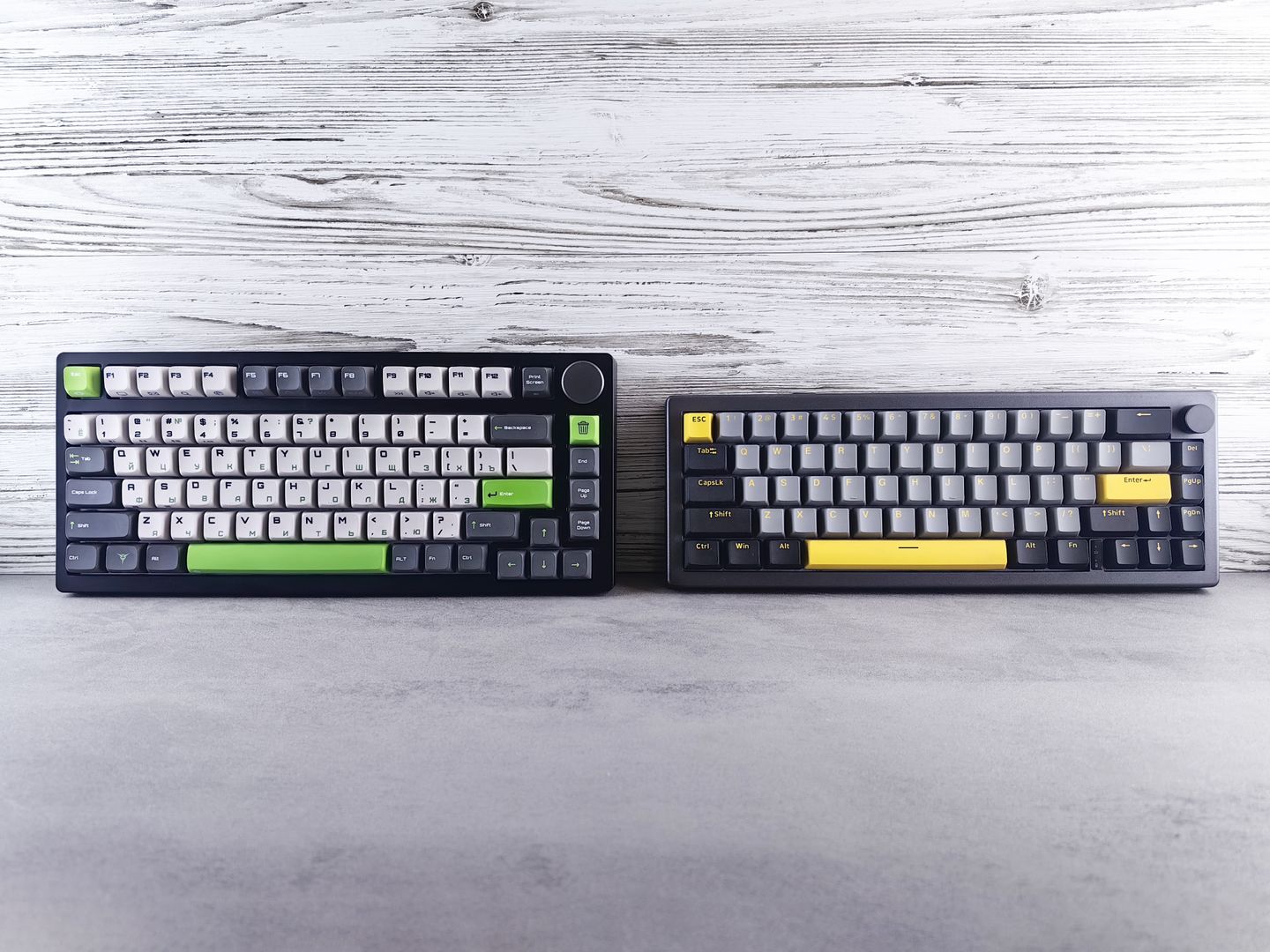
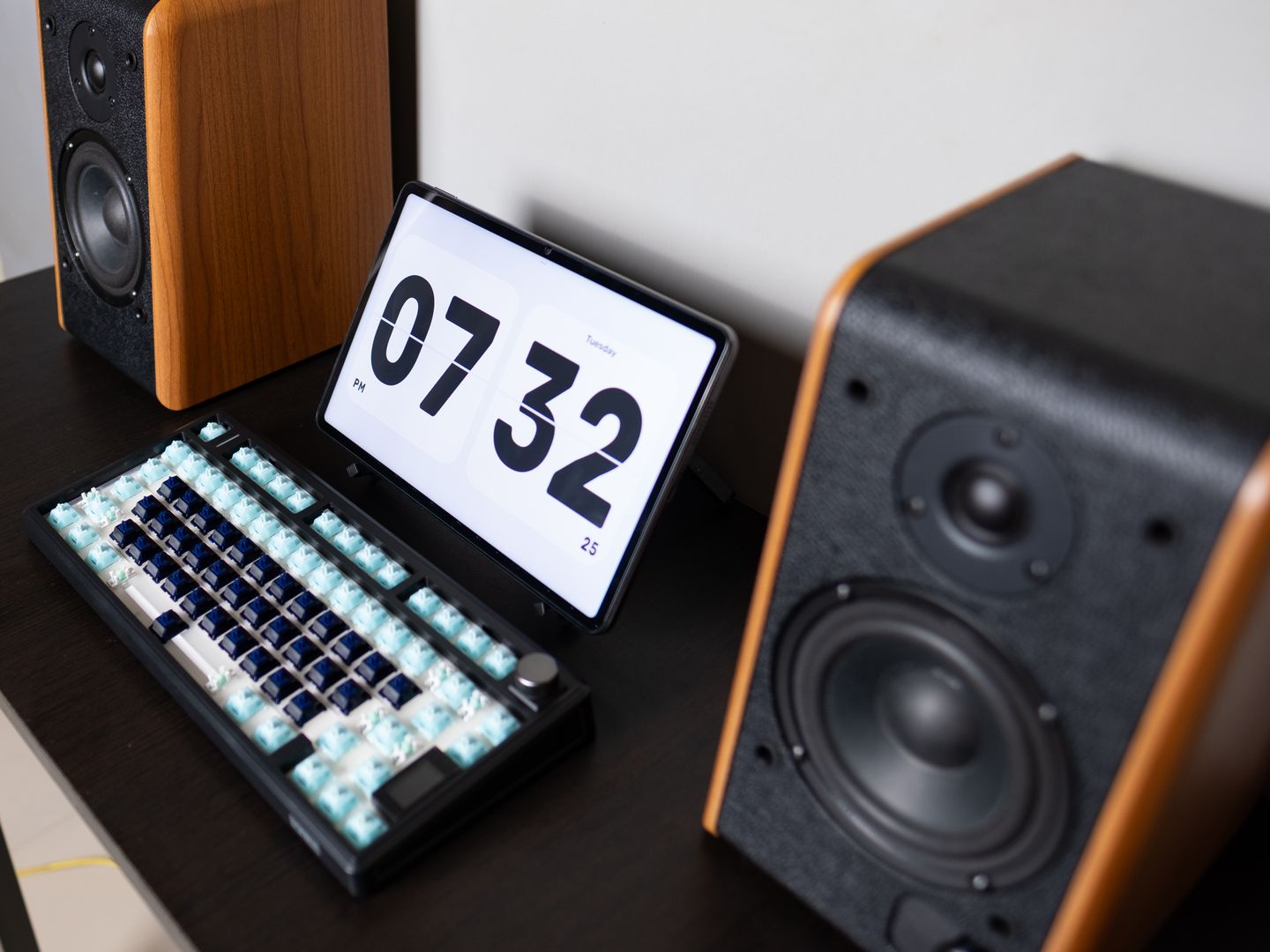
Three ergonomic realities worth caring about more than brand hype: First, wrist neutrality: built-in palm support and negative tilt matter because they reduce the tendency to cock wrists upward; Logitech's ERGO K860 and Wave Keys both lean on this approach in their official specs.
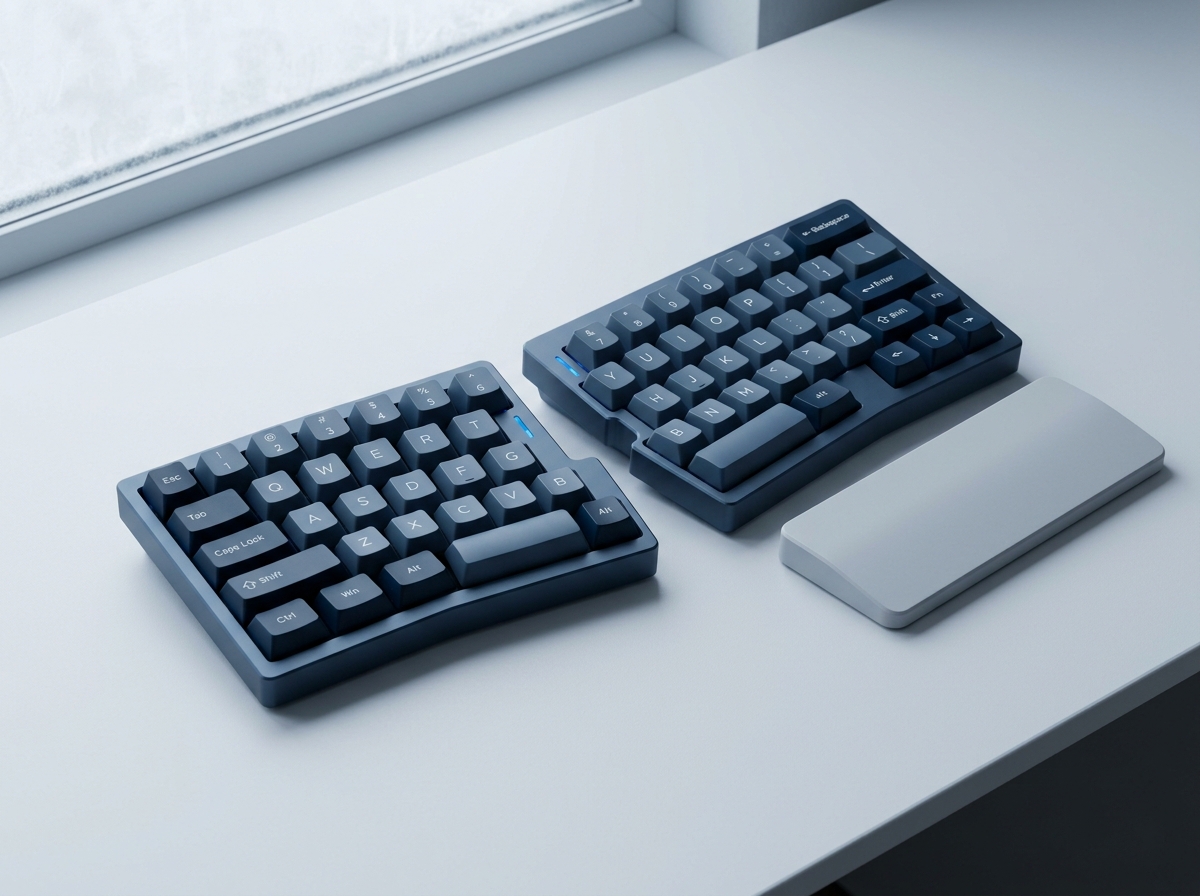
Second, shoulder width: a true split like Kinesis Advantage360 Pro or ZSA Moonlander lets you place each half where your shoulders want them, which can be more impactful than a gently wavy key deck.
Third, thumb workload: split mechanical boards often rely on thumb clusters; that can be a productivity boost if you map them well, or a strain point if you force your thumbs to do unnatural reaches.
A practical warning that belongs in every ergonomic conversation: persistent numbness, tingling, or pain isn't a keyboard problem to brute-force through. Adjusting your workstation—keyboard height, mouse reach, and chair lumbar support—should come before chasing ever-more-exotic hardware.
If a decision still feels muddy, use this five-step setup sequence after the keyboard arrives: set chair height so elbows are roughly level with the desk, center the keyboard to your body—not to the monitor stand, use negative tilt if the board supports it, keep the mouse close enough that the shoulder doesn't abduct, and only then start remapping hotkeys or moving to a more aggressive split.
Eight quick checks that separate genuinely good typing keyboards from ergonomic in name only: true split or meaningful tenting adjustment, negative tilt option or at least a low front edge, palm rest that doesn't force wrist extension, reliable multi-device switching if you work cross-platform, clear OS compatibility in the manufacturer documentation, remapping support that matches your workflow, a layout you can relearn without wrecking productivity, and comfort that doesn't depend on pushing harder to type.